How to Automate Consignor Payouts
Move from sale close to paid consignors in a few simple steps. Set your fee structure, collect bank details, generate the payout file, handle any checks, and confirm everything with reports.
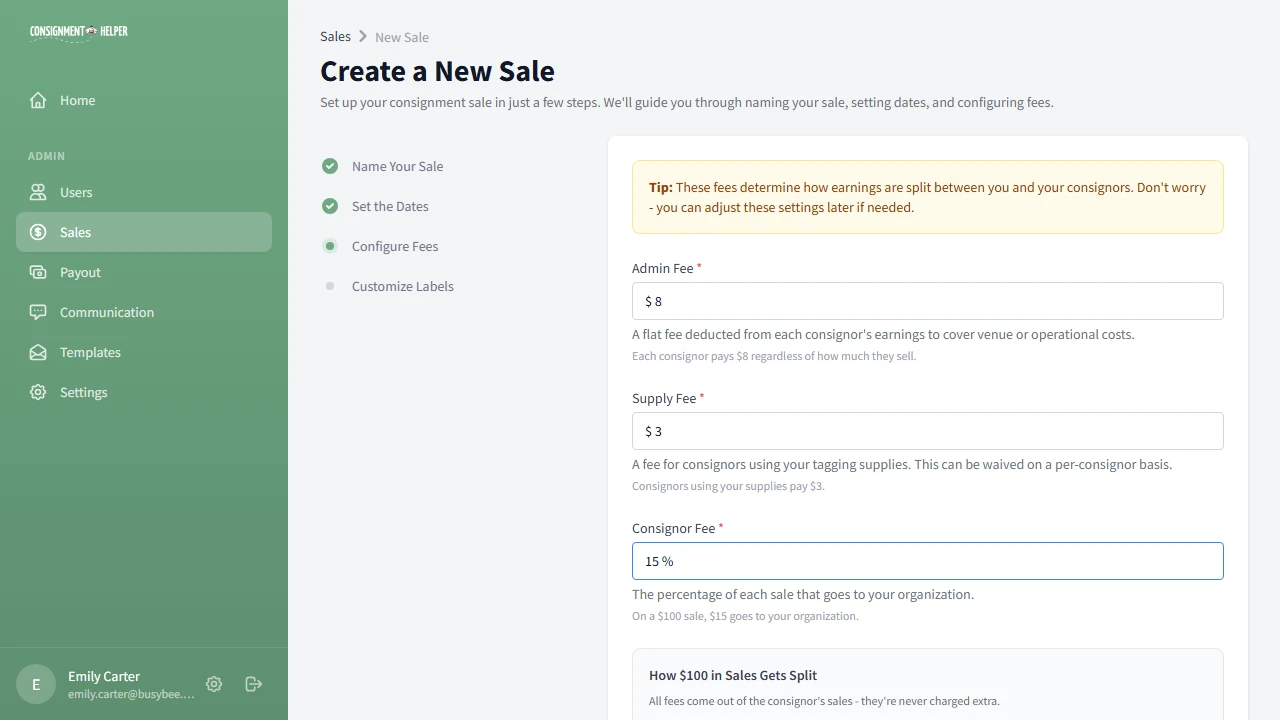
Set Your Fee Structure
Define the consignor percentage, admin fee, and supply fee before the sale closes. That lets the system calculate each consignor earning automatically when payout time arrives.
Setting this early keeps the payout math ready from the start, which makes the rest of the workflow much easier to follow.
- Use the consignor percentage as the base payout split.
- Add admin and supply fees before the sale closes.
See fee management and automated payouts for the underlying features.
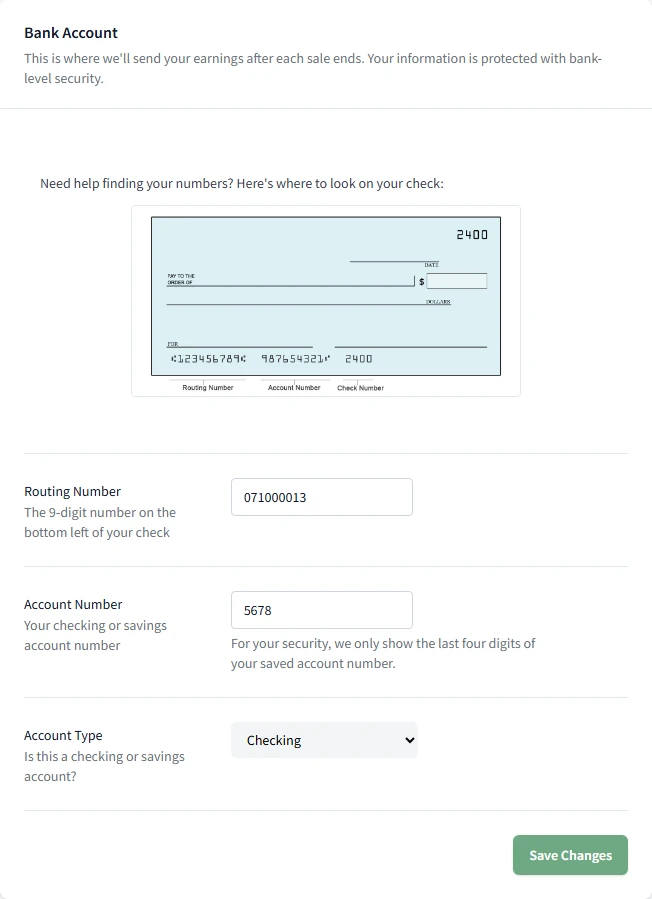
Collect Consignor Bank Details in the Portal
Consignors securely enter their bank information in the portal. The details are encrypted and then used to build the direct-deposit file.
If you ask them to enter it before the sale ends, you can move straight into payout generation without chasing missing information later.
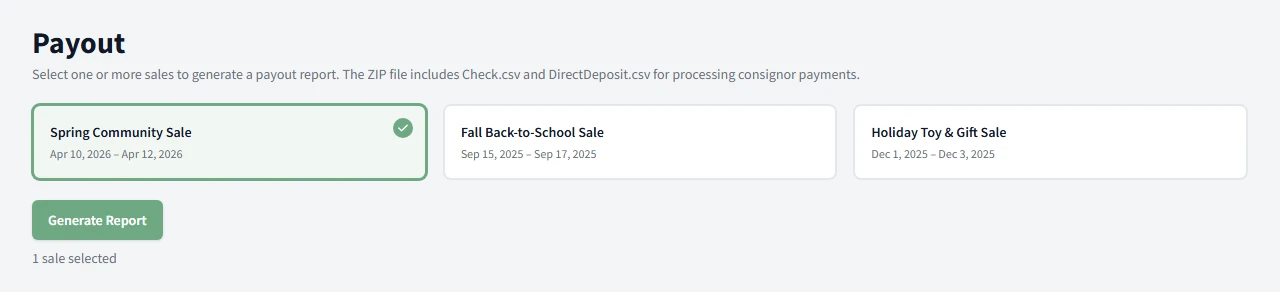
Generate the Direct-Deposit File
After the sale, generate a bank-ready NACHA or ACH file with every consignor payment in one step. That gives you one file to handle instead of a stack of manual payouts.
The payout screen is built to keep the process organized, so you can move from sale close to bank file without extra detours.
Upload to Your Bank and Handle Checks
Upload the file through your bank ACH workflow. Consignors who prefer checks are flagged separately, so you can handle them in one short session.
This step happens outside the app, so keep your bank portal open and work through the file your normal way.
This is the handoff point between the app and your bank. The system has already done the payout math, so your job is to upload the file and finish the payment run.
If you are paying a few consignors by check, keep them together so you can finish the session cleanly before moving on.
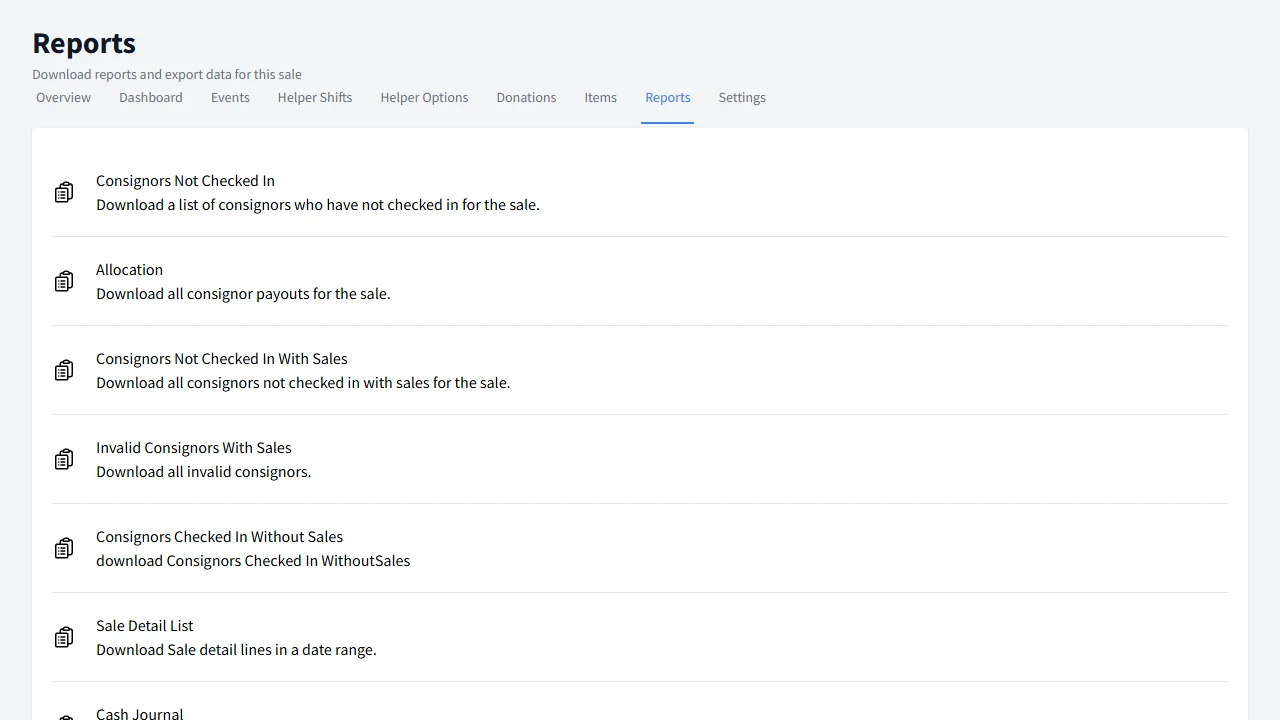
Reconcile With Reports
Use reports to confirm what was paid and keep the books balanced. That gives you a clear check on the payout run before you close the sale out.
If you need a broader view of the numbers, the reporting tools keep the payout story in one place instead of spreading it across spreadsheets.
Open comprehensive reports for the report library behind this step.
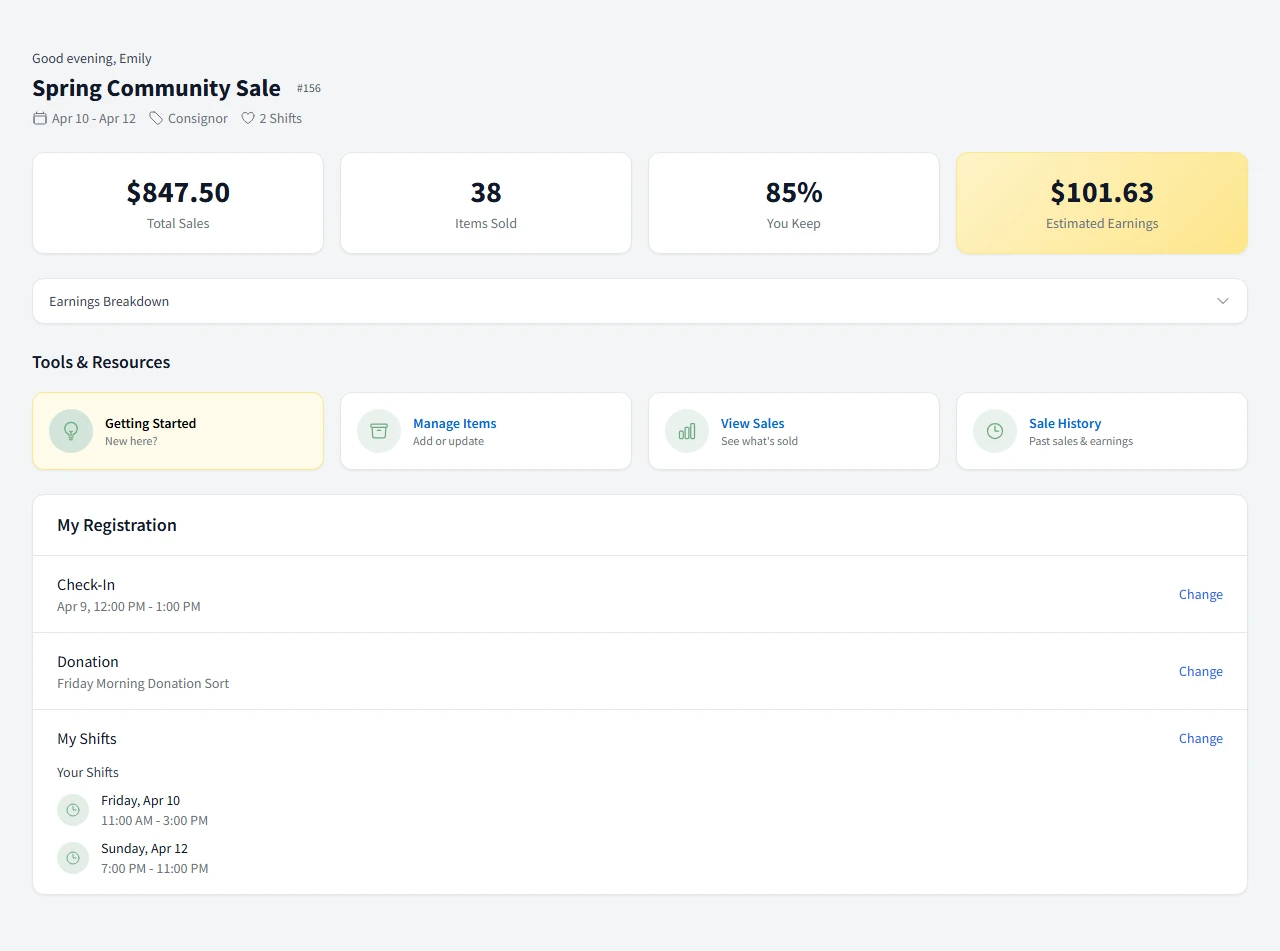
Consignors See They Have Been Paid
Once the payout is complete, consignors can view their earnings and payment status in the portal. That cuts down on the usual "where is my money" follow-up.
The dashboard gives them a clear place to check progress, so they do not have to call or email just to confirm the payment moved through.
What's Next?
After you have checkout and payouts working together, the next guide shows how to tighten up the sale-day flow from start to finish.
Next: POS ChecklistOr: Create a SaleCommon Questions
How does direct deposit work for consignor payouts?
Consignors enter their bank details in the portal, then you generate a bank-ready file after the sale and upload it to your ACH workflow.
Can I still pay some consignors by check?
Yes. Consignors who prefer checks are flagged separately so you can pay them in a short follow-up session.
How soon are consignors paid?
Timing depends on your bank and your payout process, but the workflow is designed to move payments out quickly after the sale closes.
Is consignor bank information secure?
Yes. Consignors enter their bank information securely in the portal, and it is used to create the direct-deposit file.
Do consignors need to do anything after the sale?
If they want direct deposit, they just need to enter their bank details in the portal. After that, the payout process is handled for them.
Need a Hand?
See how automated payouts fit into your post-sale workflow.