Step-by-Step Guides for Your Consignment Sale
Follow along as we walk you through every step of setting up your sale. Each guide includes screenshots so you always know exactly what to do next.
Start Here, Follow the Path
New to Consignment Helper? We recommend following these guides in order. Each one builds on the last so you're ready to go by the end.
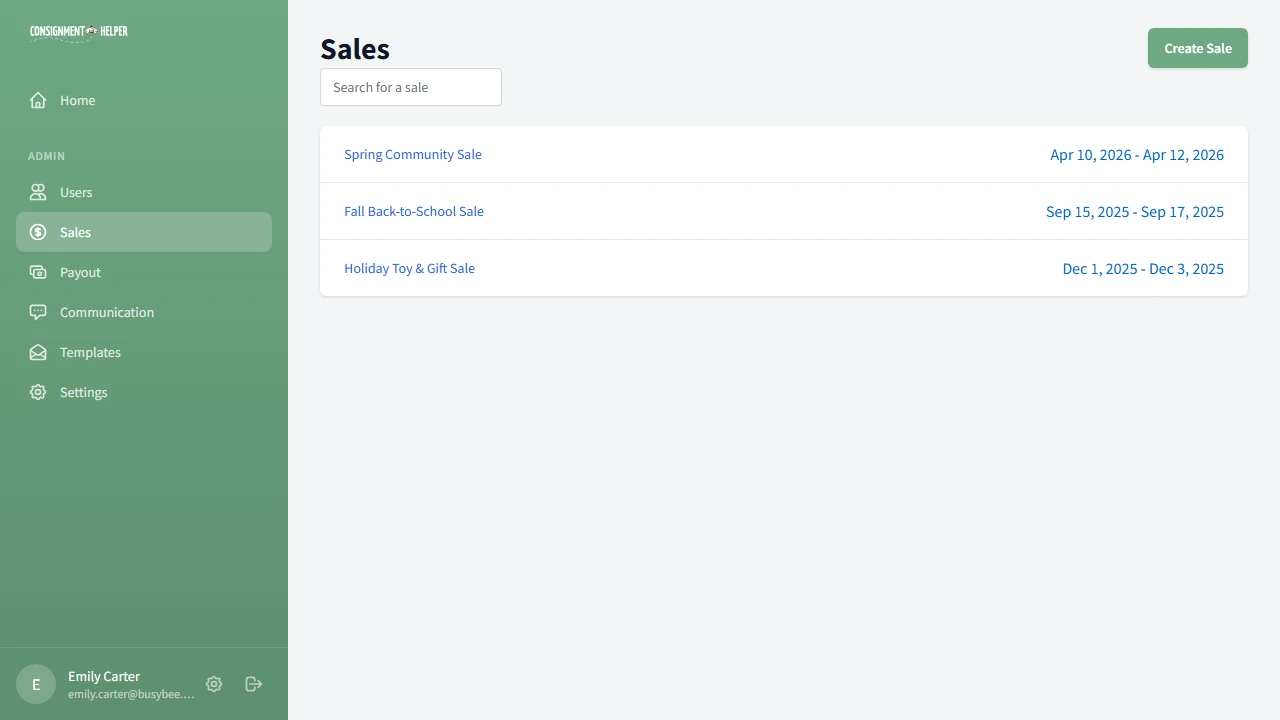
Create a Sale
Walk through the sale wizard to set your name, dates, fees, and volunteer labels. Then review your sale overview and dashboard.
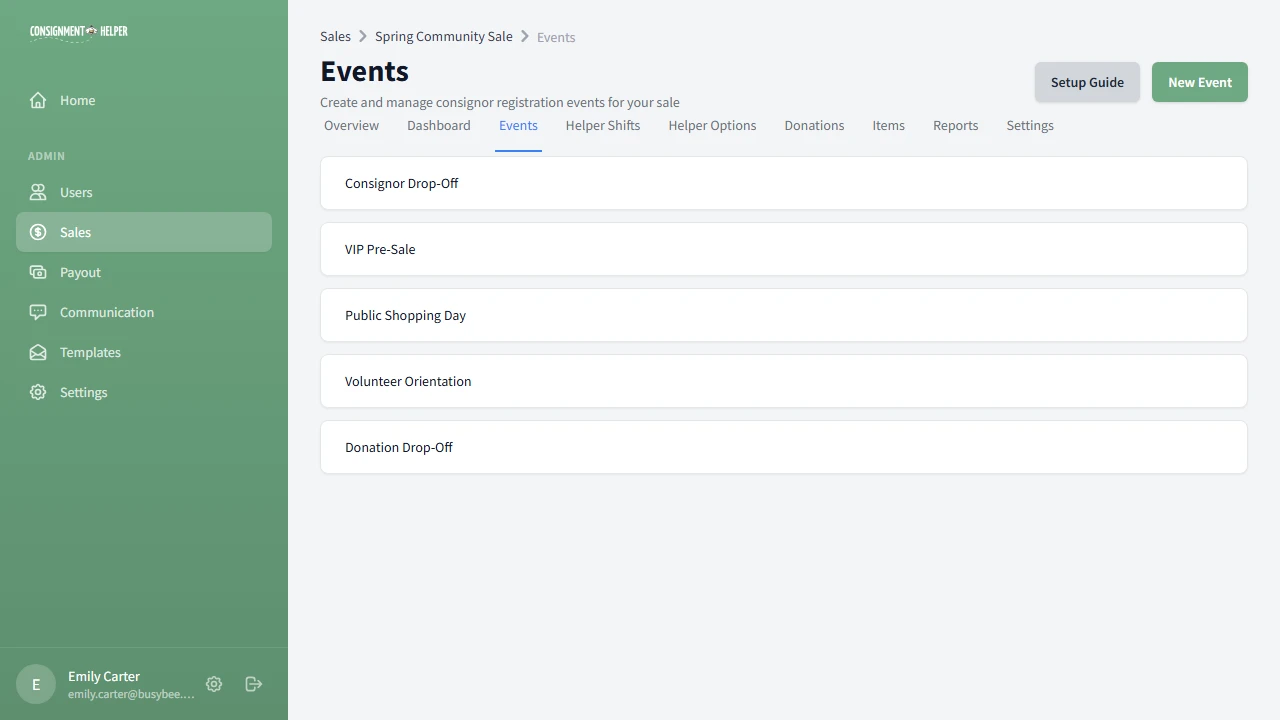
Set Up Events
Create check-in events with time slots so consignors can register and drop off their items on a schedule that works for everyone.
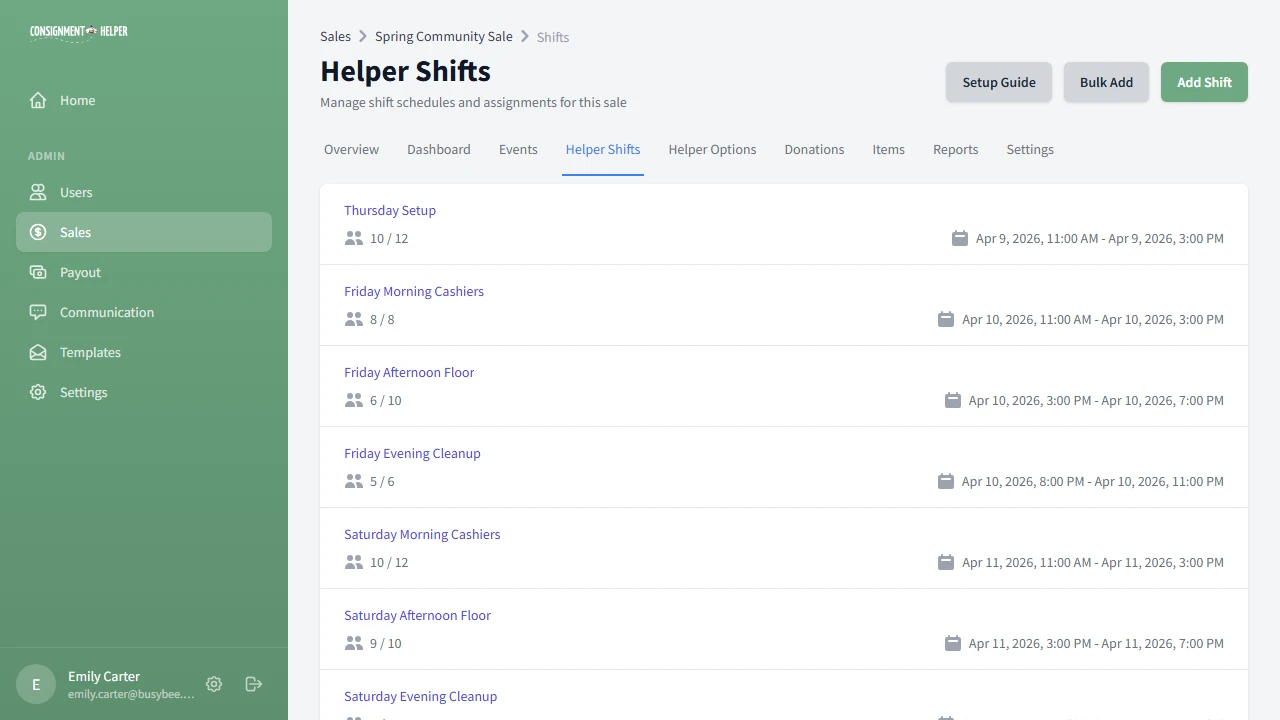
Set Up Volunteers
Create shifts, bulk-generate schedules, add job roles, and define volunteer hour tiers with perks so helpers can sign themselves up.
What You'll Be Able to Do
Create Sales
Configure name, dates, fees, and labels in a guided wizard.
Schedule Events
Set up check-in events with time slots and categories.
Organize Volunteers
Build shifts, assign job roles, and set hour tiers with perks.
Go Live
Publish your sale so consignors can register and sign up.
Ready to Get Started?
Create your free account and follow along with the guides. Your first sale can be live in under an hour.