Consignment Helper
Help Center

Help topics

Browse the support register

Billing
Plans and Pricing Setting Up Billing Changing Your Plan Canceling and Invoices
Setting Up Your Sale
What's the Difference Between a Sale and an Event? How Categories and Sizes Work Consign, Volunteer, or Both: Registration Options Explained
  1. Home›
  2. Help›
  3. Setting Up Your Sale

Sale setup help

Setting Up Your Sale

Understand how sales, events, categories, and registration options fit together when you set up a consignment sale.
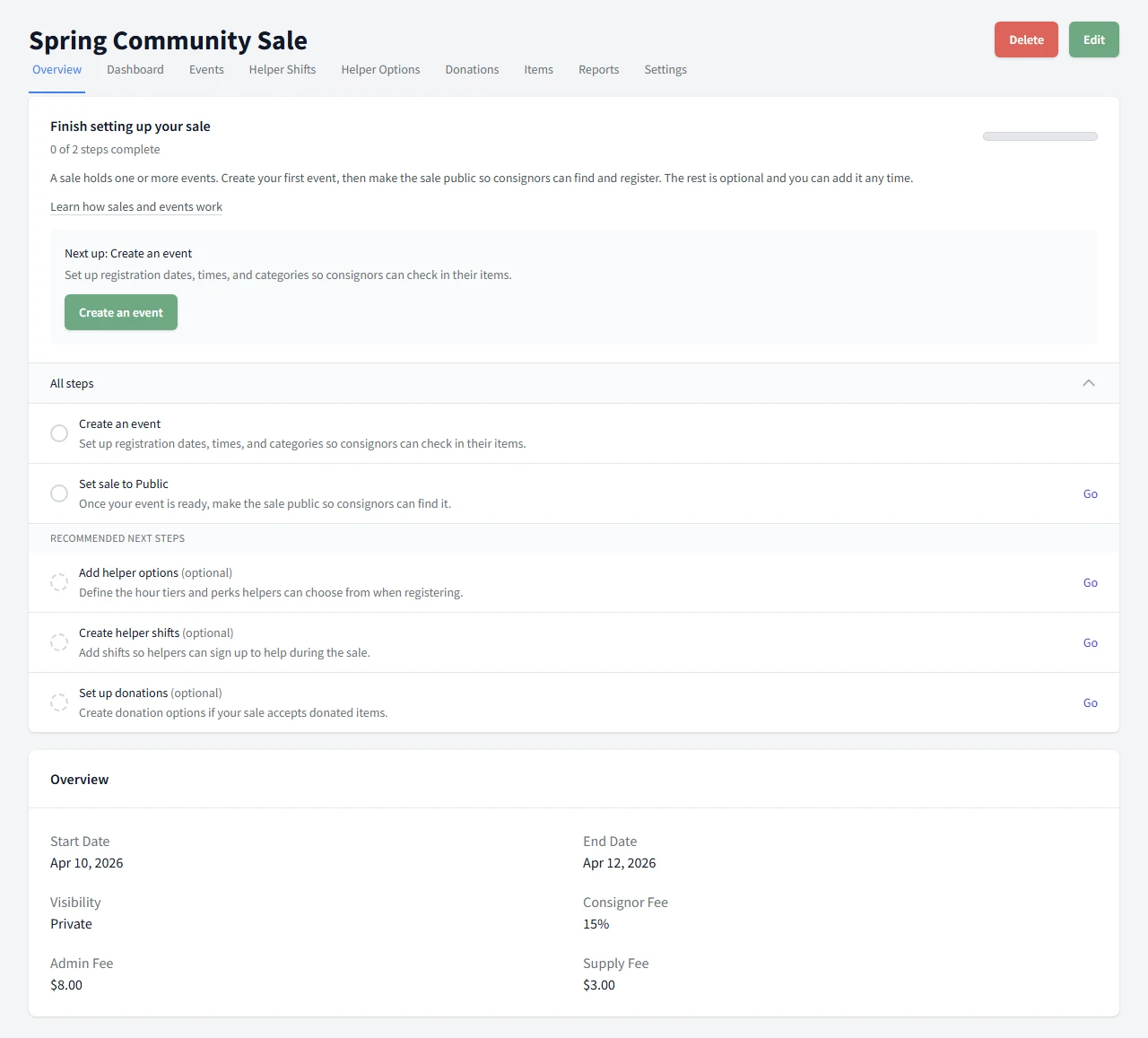
Sale overview screen showing the setup helper and next step callout.
Article

What's the Difference Between a Sale and an Event?

See how a sale, event, and registration window fit together before you publish.
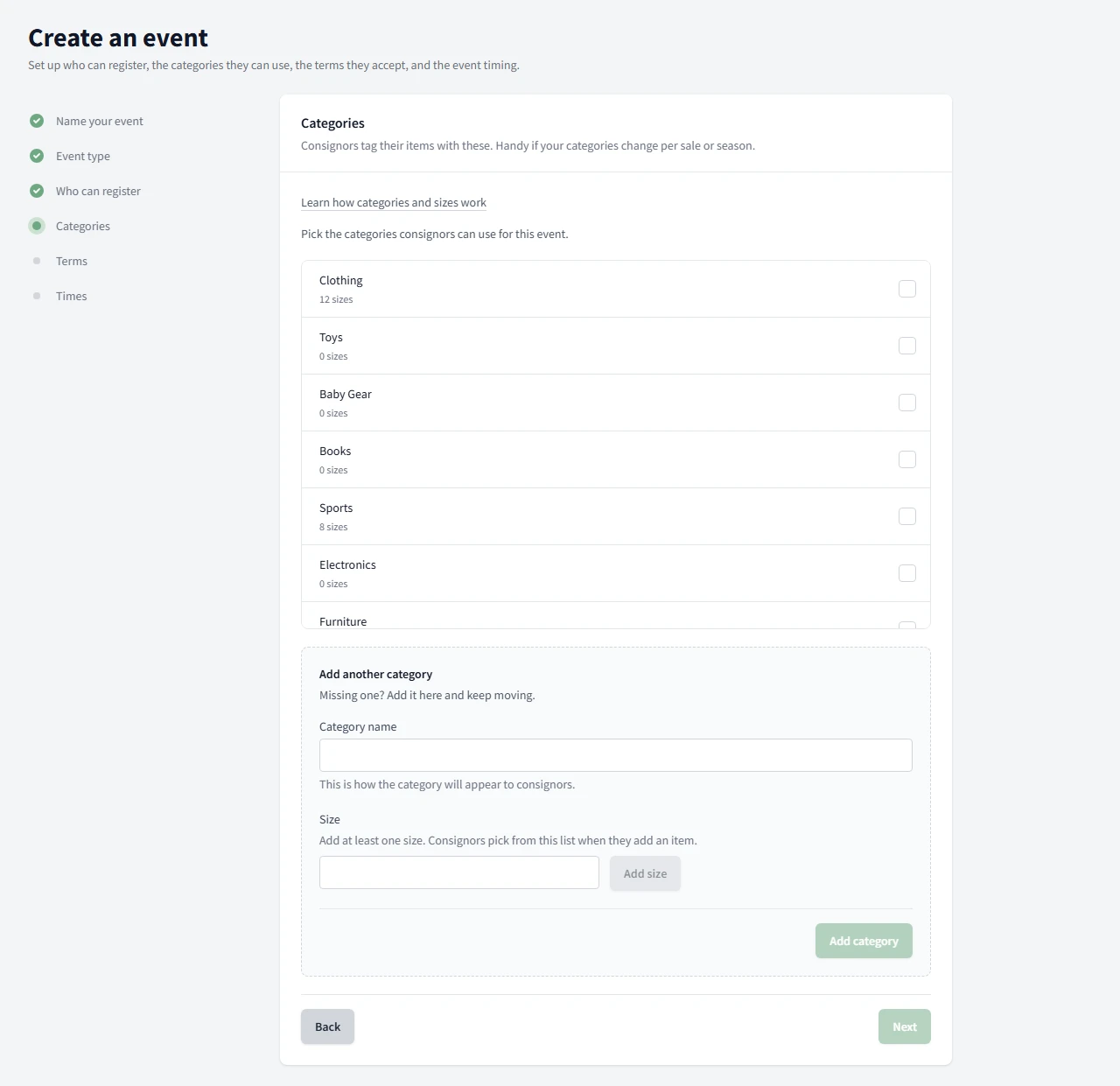
The event setup screen showing category choices and the size count for each one.
Article

How Categories and Sizes Work

Learn why every category needs sizes and where to add them while you build the event.
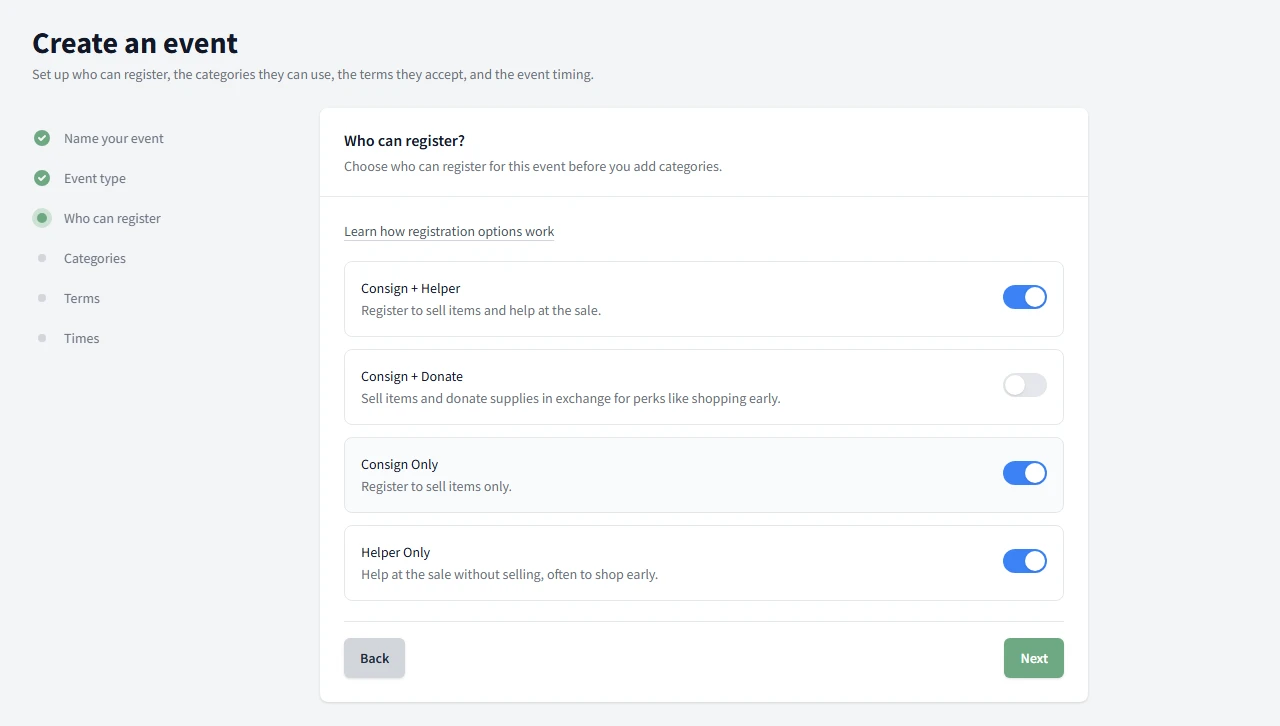
The event setup screen showing the registration option toggles turned on by default.
Article

Consign, Volunteer, or Both: Registration Options Explained

Compare the four registration options and when to turn each one on.
Need billing help too?

Use the billing articles when you need plan pricing, setup, changes, or cancellation details.

View Billing Help
Consignment Helper

Cloud-based software for seasonal consignment sales.

Get a Free Demo
Point of Sale
  • Volunteer POS
  • Lightning Checkout
  • Multi-Register
Consignor Portal
  • Self-Service
  • Print-at-Home Tags
  • Real-Time Results
Event Management
  • Barcode Check-in
  • Smart Time Slots
  • Volunteer Shifts
Solutions
  • Seasonal Pop-Ups
  • Charity Fundraisers
  • Mega-Volume Sales
  • First-Time Organizers
Company
  • All Features
  • Pricing
  • Help Center
  • About Us
  • Contact

© 2026 Consignment Helper. All rights reserved.